
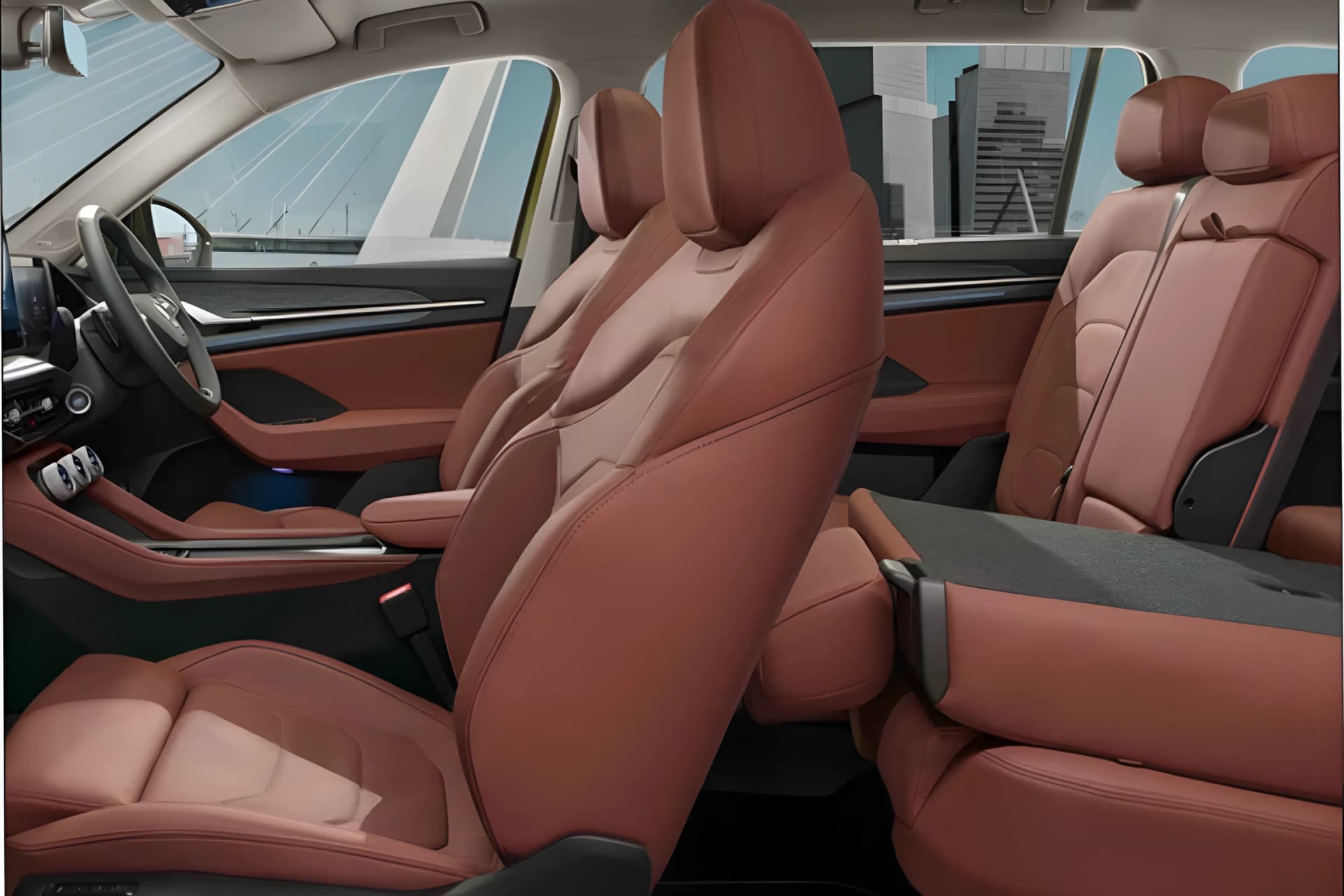
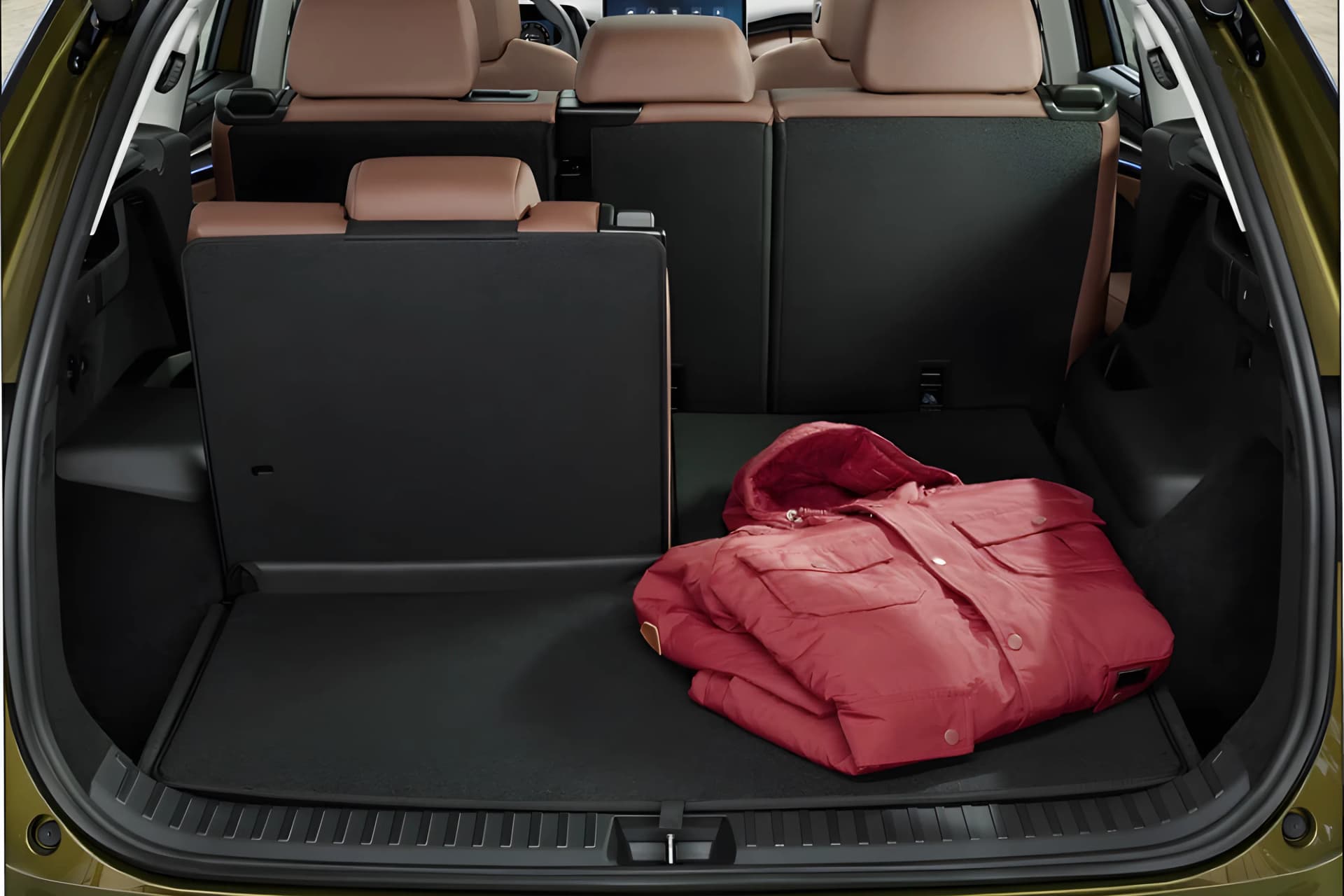
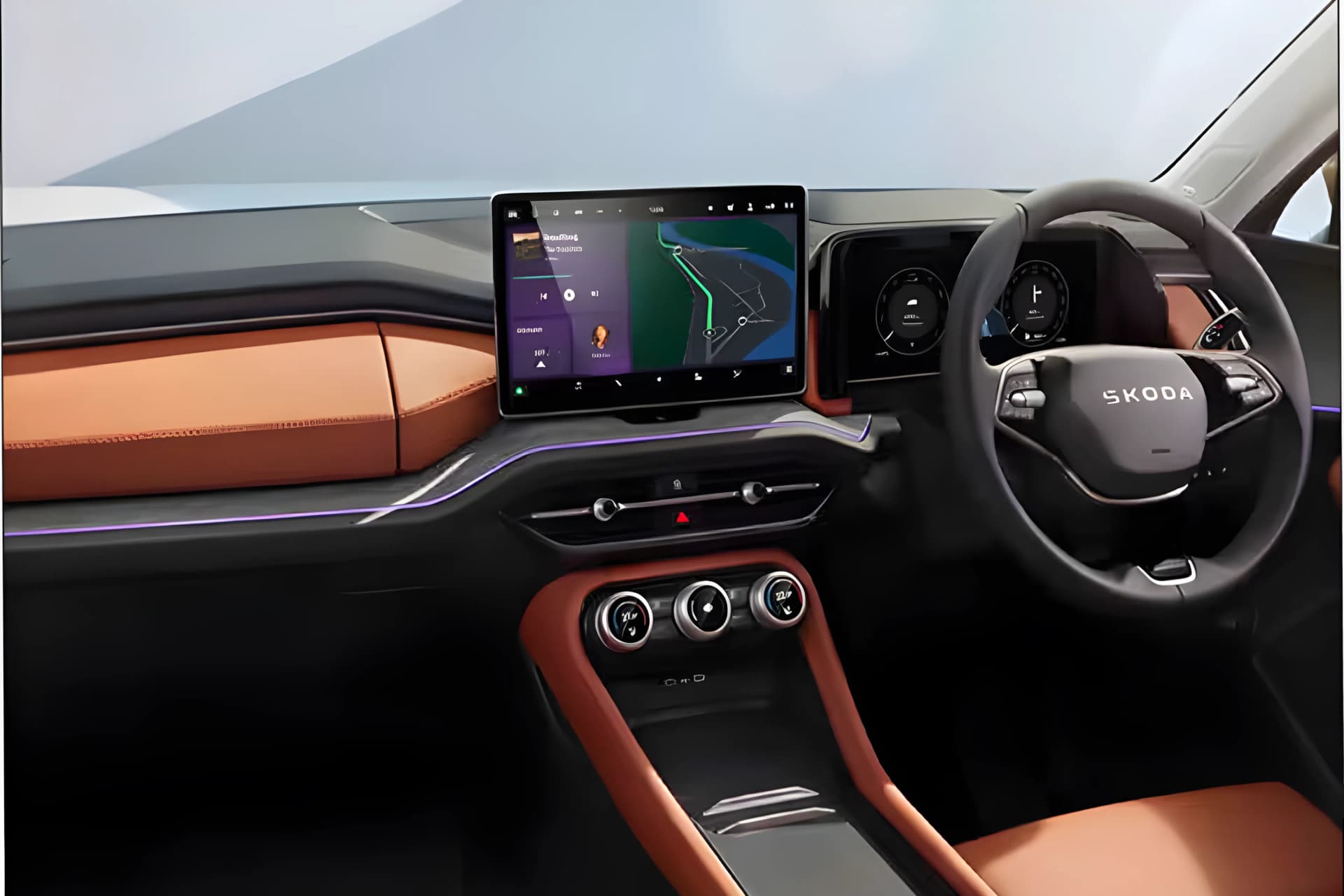
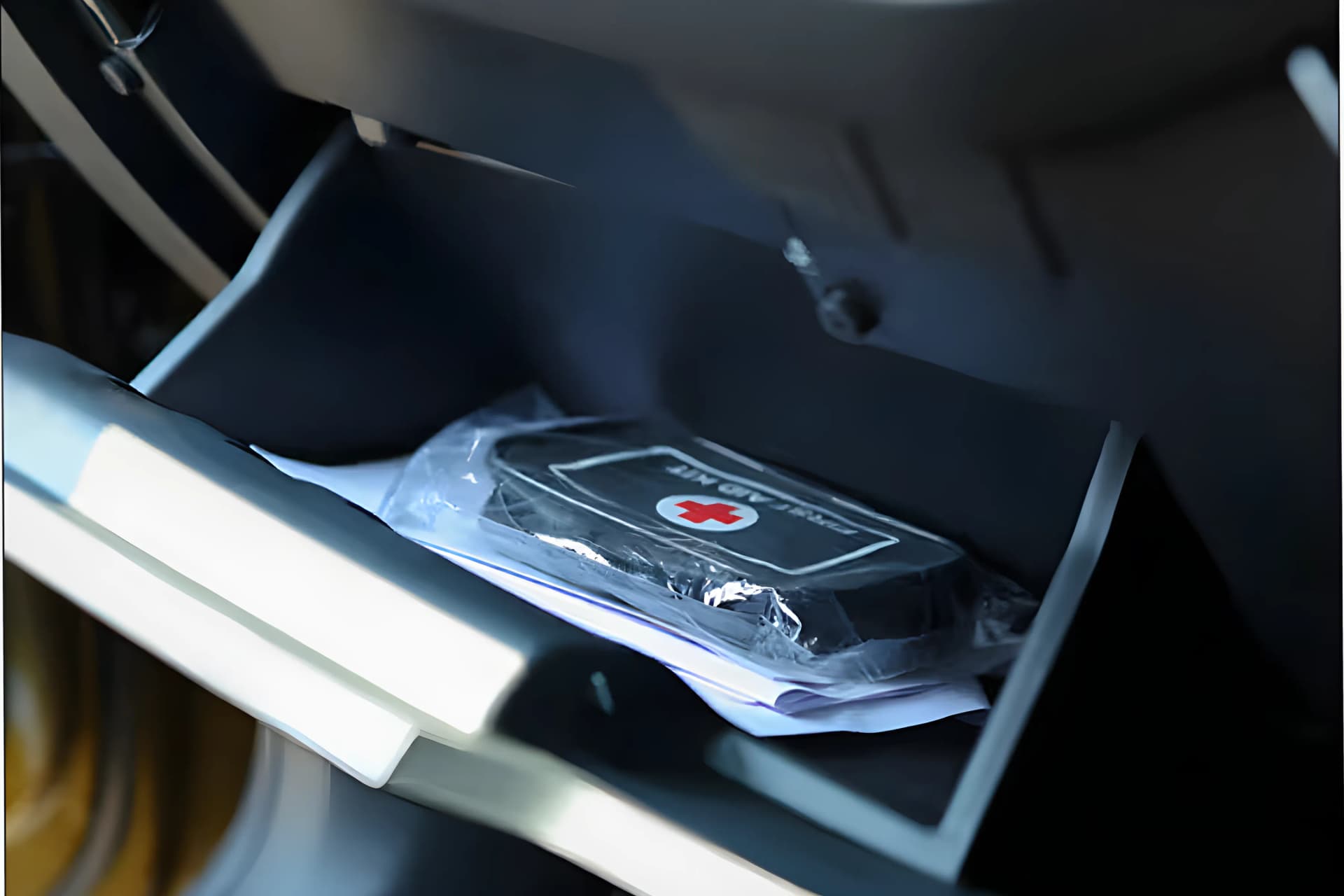
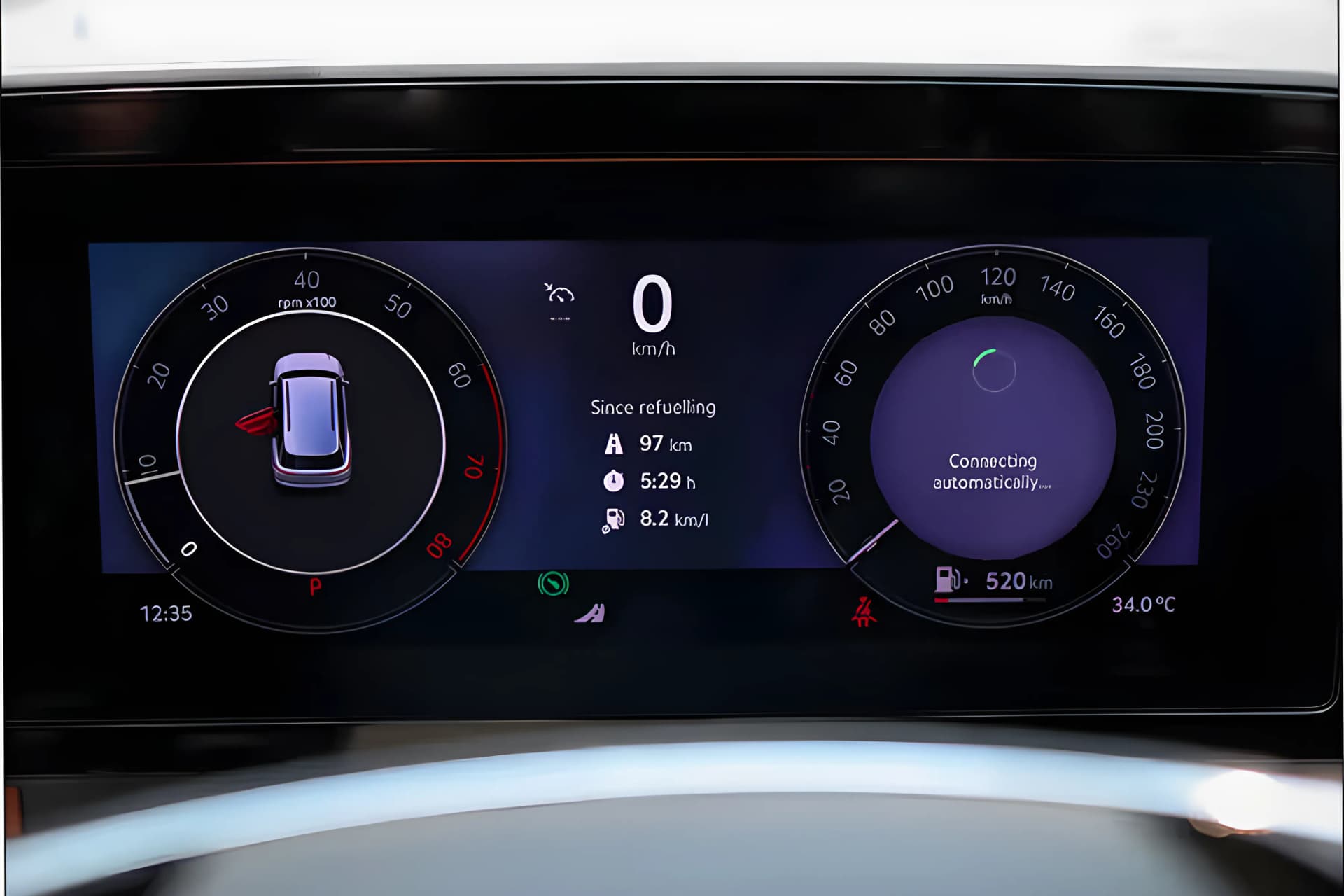
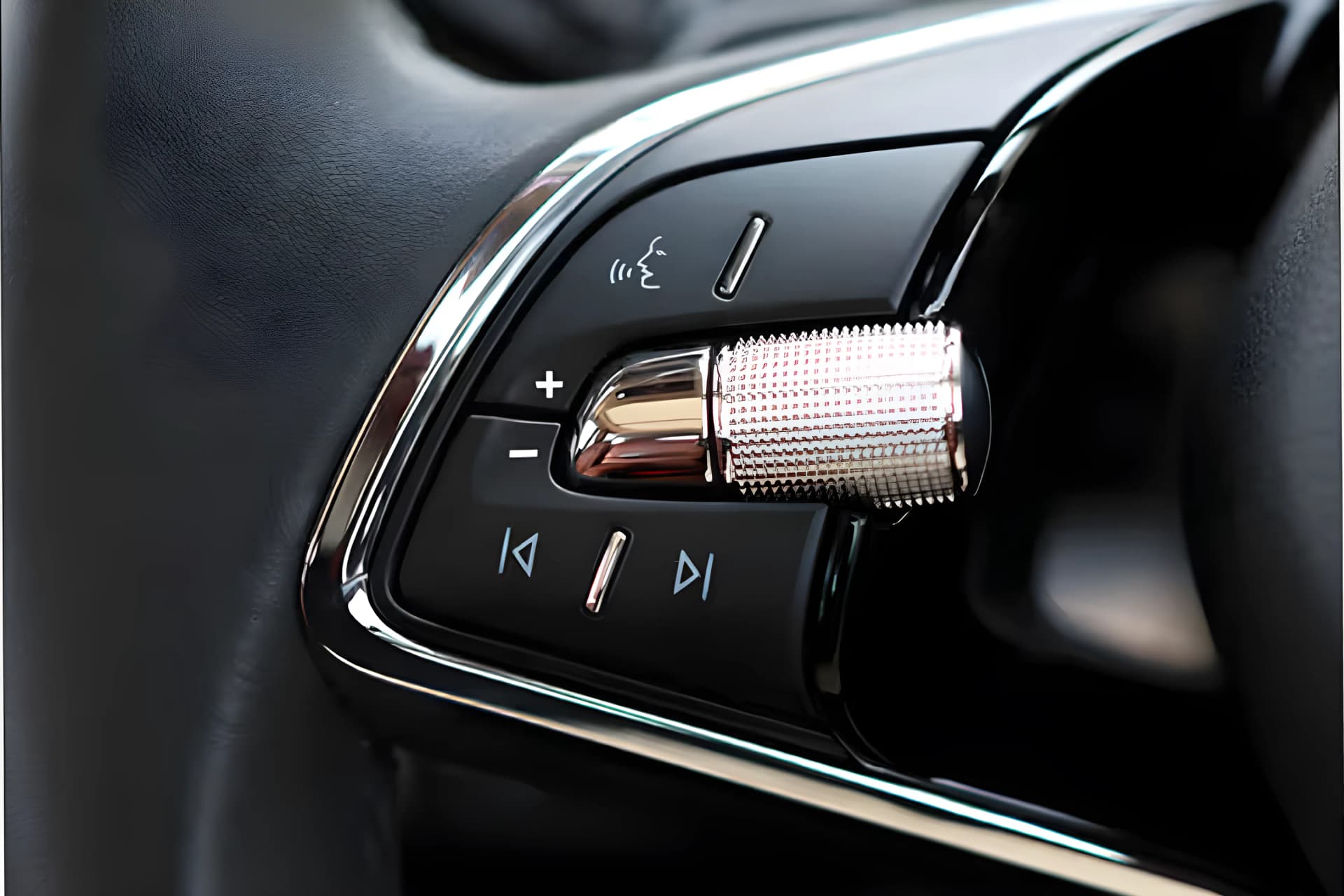
Skoda Kodiaq images showcase the car from multiple angles and provide a detailed look at its design, styling and key highlights. Skoda Kodiaq exterior images include Front Left View, Front View, Left Side View, Rear Left View, Rear View, Boot Space View, Taillamp View, headlamp View. Skoda Kodiaq interior images feature Touch Screen View, Foldable Rear Seat View, Boot Space View, Glove Box View, Digital Cluster View, Steering Mounted Control Button View, AC Vent Control Knob View, Engine Start/Stop Button View. Feature highlights include 9 Airbags Protection, Automatic Emergency Braking (AEB), Canton Sound System, Degree Radar Coverage, Infotainment Screen. Skoda Kodiaq colours gallery showcases Magic Black , Bronx Gold, Graphite Grey, Moon White, Race Blue and other available colour options. Explore the interactive Skoda Kodiaq 360° view to experience the car from every angle.







5 Available Colour Shades
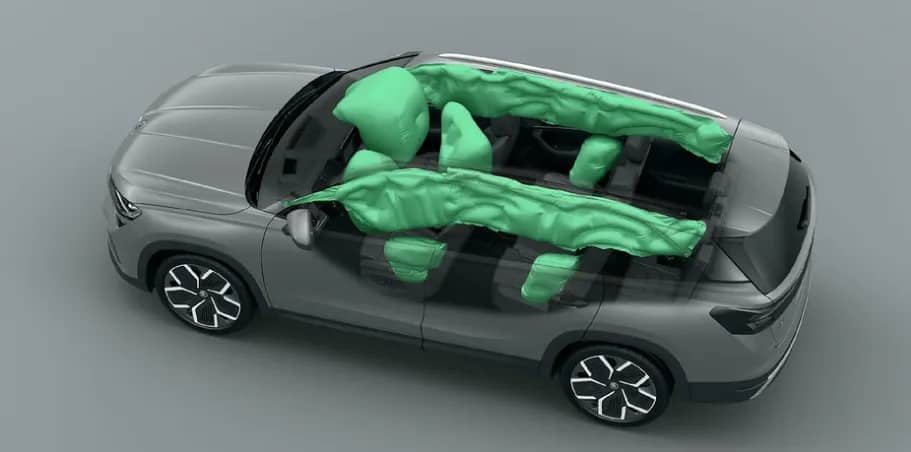
Skoda Kodiaq 9 Airbags Protection
Skoda Kodiaq Automatic Emergency Braking (AEB)
Immerse in rich, 725W acoustics powered by 13 high-performance speakers and a subwoofer, for a refined auditory experience.
Skoda Kodiaq Degree Radar Coverage
The world at your fingertips. With the 32.77 cm touchscreen, the new Škoda Infotainment offers information and entertainment features that will make travelling a truly enjoyable experience.
Comfort even on the longest drives. The Ergo seats were designed with the health of your back as top priority. To make you even more comfortable, there are heating, cooling and pneumatic massage functions.
With two-piece panoramic roof, the front part can be opened electrically to allow fresh air into the cabin. The tinted glass lets in enough sunlight while still blocking harmful UV rays. For cool shade on sunny days, a sunshad can be extended electrically.
Skoda Kodiaq Park Assist System
The best of both worlds. The Škoda Smart Dials combine the tactility of manual controls with the flexibility of touchscreens. Use the display in the middle of the dial to select a function or read information, and use the tactile dials to set the temperature, volume, or fan speed.